Kitsune Evolution Controls
HUD, movement, Win pads, treadmills, hatching, Teleport Back, and Kitsune Phone minigames on PC and mobile.
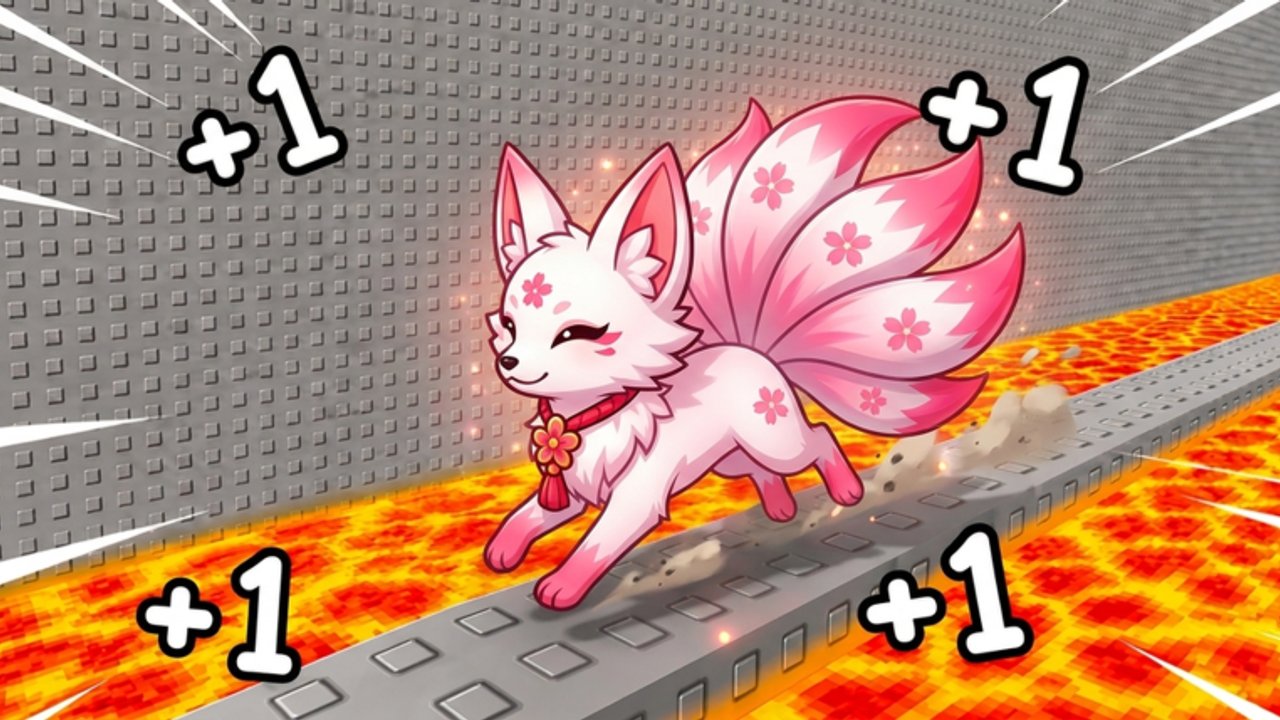
This Controls guide teaches how to operate +1 Kitsune Evolution without wasting Speed on menu panic. You will learn the HUD mindset, how Win pads and treadmills fit the loop, how egg hatching and Auto Hatch (T) work, when to use Teleport Back, what the Kitsune Phone minigames are for, and how PC versus mobile habits differ. Pair it with the Players Hub, Hazards, and Getting Started.
Exact Roblox keybinds can vary by device and settings. Focus on intent: every input should move Wins, Steps, or recovery forward.
HUD and UI map
Your on-screen tools usually cover:
- Movement / camera — run, jump, look around stage geometry
- Codes — redeem free rewards from the Codes Hub
- Inventory / pets / trails — equip multipliers after hatches
- Eggs / hatch — open eggs; enable Auto Hatch when available
- Rebirth — spend progress for bigger bonuses when ready
- Teleport Back — recover after deadly floors or rising sand
- Kitsune Phone — open Stack Tower, Rider, and Helix Drop minigames
- Shop / gamepasses — paid treadmills, forms, and quality-of-life (see gamepasses)
Open heavy menus between laps, not while Magma floors are under your feet. Menu tunnel vision is a hidden control failure.
Movement basics
Roblox defaults still apply: walk/run, jump, and camera orbit. In Kitsune Evolution, movement is the farm:
- Pick a Win pad route before you sprint.
- Keep the camera high enough to read floors early.
- Jump with a landing plan — panic jumps into kill surfaces end laps.
- Strafe in small corrections instead of spinning 180° near hazards.
- Shorten the route when death rate rises; living loops beat corpse loops.
Full hazard recovery lives on Hazards. Stage order and zone goals live on Stages.
Codes UI
Find the Codes button on the HUD early every session. Redeem RELEASE, KITSUNE, SECRET, 50LIKES, and 100LIKES from the Codes Hub before spending Wins. Free currency at minute five prevents broke-starter mistakes. Recheck after like milestones for newly published codes.
Do not open Codes mid-hazard. Teleport to safety or finish the pad lap first.
Win pads
Win pads convert movement into Wins, the spendable progress currency. Control tips:
- Approach pads with Speed already rolling from the lane, not from a dead stop whenever possible
- Touch and continue — standing still on a safe pad is fine; standing still in rising sand is not
- Memorize a repeatable pad order per stage so muscle memory replaces sightseeing
- After a death, resume the same pad circuit instead of inventing a new chaotic path
Pads are why Speed matters. If controls feel fine but Wins feel slow, fix route density with speed farming habits, not random button mashing.
Treadmills
Treadmills multiply Steps during focused bursts. Controls here are simpler than stage running:
- Enter the treadmill when you want low-mechanical-risk farming
- Keep input steady; do not alt-tab into unrelated menus for long stretches if the session expects attention
- Use treadmills when Magma focus fatigue would otherwise walk you into deadly floors
- Leave with a plan: Steps session → back to pads → spend or save
Treadmills are a control choice as much as a build choice. Tired hands belong on treadmills; sharp hands belong on stage routes.
Egg hatch and Auto Hatch (T)
Hatching feeds the pet engine that multiplies every other system.
- Open the egg / hatch UI when you can afford attempts without emptying rebirth savings.
- Equip new farm pets immediately — unequipped hatches do nothing.
- Toggle Auto Hatch when the game offers it (commonly bound to T on keyboard layouts that support it; confirm on your device).
- Watch your Win bank while Auto Hatch runs so you do not drain currency you needed for a form or rebirth.
Auto Hatch is a quality-of-life control, not a substitute for reading the pets and eggs economy. If you own a paid Auto Hatch gamepass, treat it as convenience on top of discipline — details on gamepasses.
Teleport Back
Teleport Back is the recovery control after hazard deaths. Use it the moment you die to a deadly floor or rising sand:
- Trigger Teleport Back immediately.
- Re-orient the camera before sprinting.
- Walk the failed segment once at lower risk.
- Resume the Win pad loop.
Players who sit in menus after every Magma death lose more Wins-per-hour than the hazard removed. Treat Teleport Back like a reload button in a runner, not like a punishment screen.
Kitsune Phone minigames overview
The Kitsune Phone opens side minigames that sit beside the main Speed / Wins loop. At research time the phone features include:
| Minigame | What to expect |
|---|---|
| Stack Tower | Timing / stacking focus — short bursts between farm sessions |
| Rider | Riding / lane-style play — keep calm inputs; do not tilt into stage runs afterward |
| Helix Drop | Vertical drop / helix timing — good warm-up for precision, not a replacement for pads |
Use phone minigames as breaks or bonus play, then return to Win pads and treadmills for real progression. Do not abandon a funded rebirth plan because a phone high score felt more exciting. If a minigame rewards currency or items in a future patch, still spend those rewards with the same pets → forms → rebirth → trails priority.
Mobile vs PC tips
PC (keyboard and mouse)
- Elevate the camera so floors read early on Magma and Desert
- Bind or memorize Codes, Teleport Back, and hatch toggles so recovery is fast
- Hard-stop movement before opening rebirth or shop UIs mid-route
- Use Auto Hatch (T) during safe AFK-adjacent treadmill or lobby moments, not while straddling kill floors
Mobile (touch)
- Lower camera sensitivity if Beach and Wild West lanes feel slippery
- Increase virtual thumb comfort; fat-finger jumps cause deadly-floor deaths
- Pause one second after Teleport Back before re-engaging auto-run habits
- Prefer shorter focused sessions; touch fatigue raises sand mistakes
- Open Kitsune Phone minigames when you need a break from holding run inputs
Controllers
- Reduce look-stick sensitivity for precise Magma lines
- Map frequently used UI actions to comfortable face buttons when Roblox settings allow
- Avoid holding sprint into unmarked floors on first entry to a new stage
First-session control checklist
- Found Codes UI and redeemed working codes
- Completed one clean Sakura pad lap without opening menus mid-hazard
- Tried a short treadmill Steps burst
- Hatched or Auto Hatched at least once and equipped the pet
- Used Teleport Back after any death and resumed the route
- Opened Kitsune Phone once to know where Stack Tower, Rider, and Helix Drop live
- Skimmed Hazards before pushing Snow or beyond
Related links
- Players Hub — survival mindset and warm-ups
- Hazards — deadly floors, rising sand, stage-by-stage tips
- Codes — redeem list and habits
- Getting Started — first-hour order of operations
- Gamepasses — Auto Hatch, paid forms, treadmill tiers
- Stages — Sakura through Space goals
Master controls so Speed becomes income instead of a way to die faster. Touch pads on purpose, hatch with intent, Teleport Back without drama, and treat the Kitsune Phone as a side mode — not the whole game.
Frequently Asked Questions
Quick answers to the most common questions.
What is Auto Hatch and what is the key?
Auto Hatch keeps opening eggs for you when enabled. On many keyboard layouts it uses T — confirm on your device, and watch your Wins so hatching does not empty rebirth savings.
When should I use Teleport Back?
Immediately after dying to hazards such as deadly floors or rising sand, then re-orient and resume your pad route instead of sitting in menus.
What are the Kitsune Phone minigames?
Stack Tower, Rider, and Helix Drop. Use them as breaks or side play, then return to Win pads and treadmills for main progression.
Should I open menus while running Magma?
No. Open Codes, shop, rebirth, or phone UIs between laps or on safe ground so a menu does not walk you onto a kill floor.
Any mobile-specific control tip?
Lower camera sensitivity, pause briefly after Teleport Back, and shorten sessions when touch fatigue starts causing rising-sand mistakes.